
Google Expands Gemini's AI Agent Features to Include Mac Computer Control
Google's Gemini now offers a computer-use agent for Mac that performs repetitive tasks across applications, local documents, and online services from a background window. Users can see a live preview in Gemini chat while continuing to control their screen, and the feature can collect dashboard data and screenshots to build Google Slides presentations.
Key Takeaways
- Gemini now offers computer-use capability on Mac, allowing it to operate across applications, local documents, and online services.
- AI actions run in a separate background window with a live preview in the Gemini chat, so users can keep control of their main screen and cursor.
- The feature is designed to reduce repetitive digital work, including clicking, typing, menu navigation, and form filling.
- A suggested use case is gathering information and screenshots from live dashboards and assembling them into a Google Slides presentation.
- The next practical question is how clearly the live preview shows each step and how much manual oversight remains necessary.
Meta description: Gemini's new computer-use capability runs in a background window on Mac, helping users automate repetitive tasks across applications and online services.
Tags: Gemini, computer use, AI automation, Mac, Google Slides
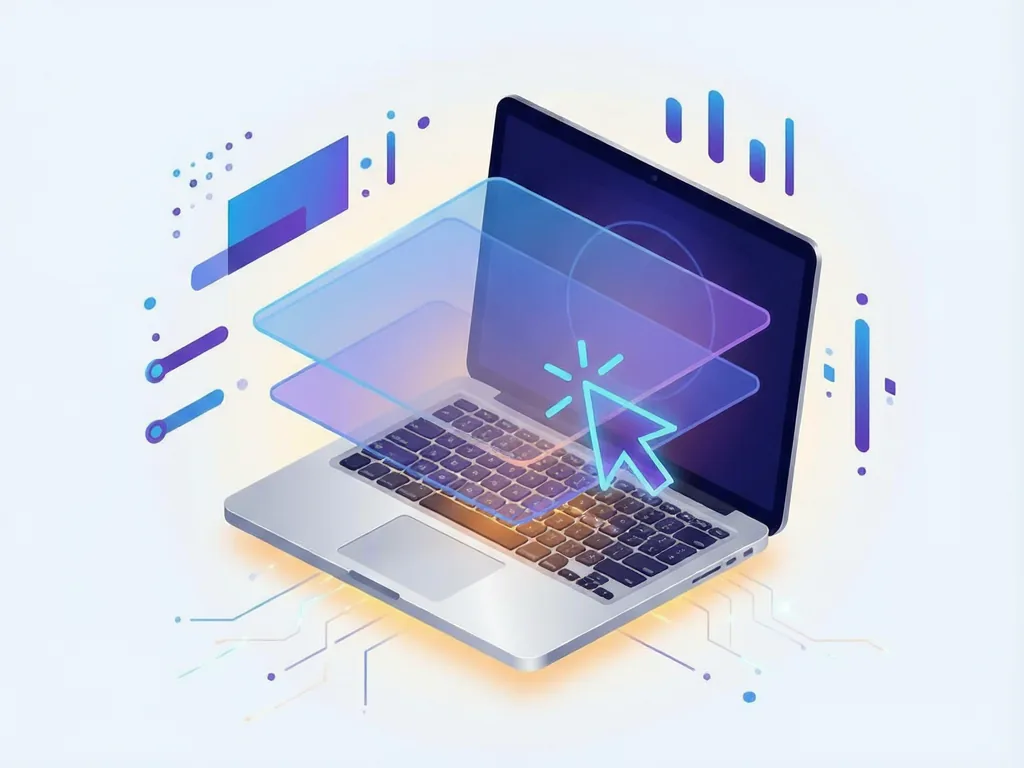
Featured image: Abstract technology scene with multiple application windows, a live preview panel, and a separated cursor.
Gemini's new computer-use capability lets users ask Gemini to perform activities involving multiple applications, local documents and online services, reducing time spent on repetitive digital work. Gemini's actions run in a separate background window, so users can watch a live preview in the chat interface while continuing to work on their Mac.
Background: Repetitive Digital Work
Many everyday tasks require moving between screens, entering information, clicking through menus and collecting details from different tools. The capability targets that kind of work. Instead of treating Gemini only as a text assistant, users can ask it to perform activities involving multiple applications, local documents and online services. Gemini is framed not as a single chat interface, but as an operator that can move across applications, documents and online services.
Development: Gemini Operates in the Background
The feature operates through a separate background window. A live preview appears within the Gemini chat interface, allowing users to monitor the AI's actions without losing control of their primary screen or cursor. Actions include clicking buttons, typing information, navigating menus and filling out online forms. On a Mac, users can continue working while Gemini handles tasks in the background. The live preview creates a middle ground between manual and delegated work: the task proceeds in another window, but the user can observe what is being clicked, typed or submitted.
Latest Progress: Dashboards, Screenshots, and Google Slides
One suggested use case is information collection from live dashboards across different regions, followed by assembling a presentation in Google Slides. The workflow involves collecting information and screenshots from those dashboards before building the presentation. Screenshots provide a visual record of what was present in each dashboard at the moment of collection; Google Slides becomes the assembly point for that gathered material.
Current Stage: What Readers Can Watch Next
The current stage is a computer-use capability that runs in a background window with a live preview inside Gemini chat. The practical focus is repetitive digital work across applications, local documents and online services, including button clicks, text entry, menu navigation and form filling. The practical boundary is control: users retain their primary screen and cursor, while Gemini uses another window. For Mac users, the next question is how clearly the preview communicates each step when Gemini moves between dashboards, documents and Google Slides, and how much manual oversight remains necessary while tasks run in the background.
Comments
No comments yet. Be the first to comment.