
Instagram Effect Builder generates new filters from AI prompts
Instagram Effect Builder enables US adults to create AI Story filters via prompts, reference images, previews, revisions, and AI rewriting.
Key Takeaways
- Instagram Effect Builder lets eligible users create custom AI filters for Stories by entering text prompts and optionally uploading style reference images.
- The tool uses a chatbot-style workflow where users can preview results, request changes, and let Instagram’s AI rewrite prompts into more detailed descriptions.
- Current access is limited to U.S. residents aged 18 and older, marking an initial rollout of the feature.
- The goal is to make filter creation less manual through an iterative prompt-preview-revise process.
Instagram Effect Builder Lets US Users Over 18 Create AI Story Filters
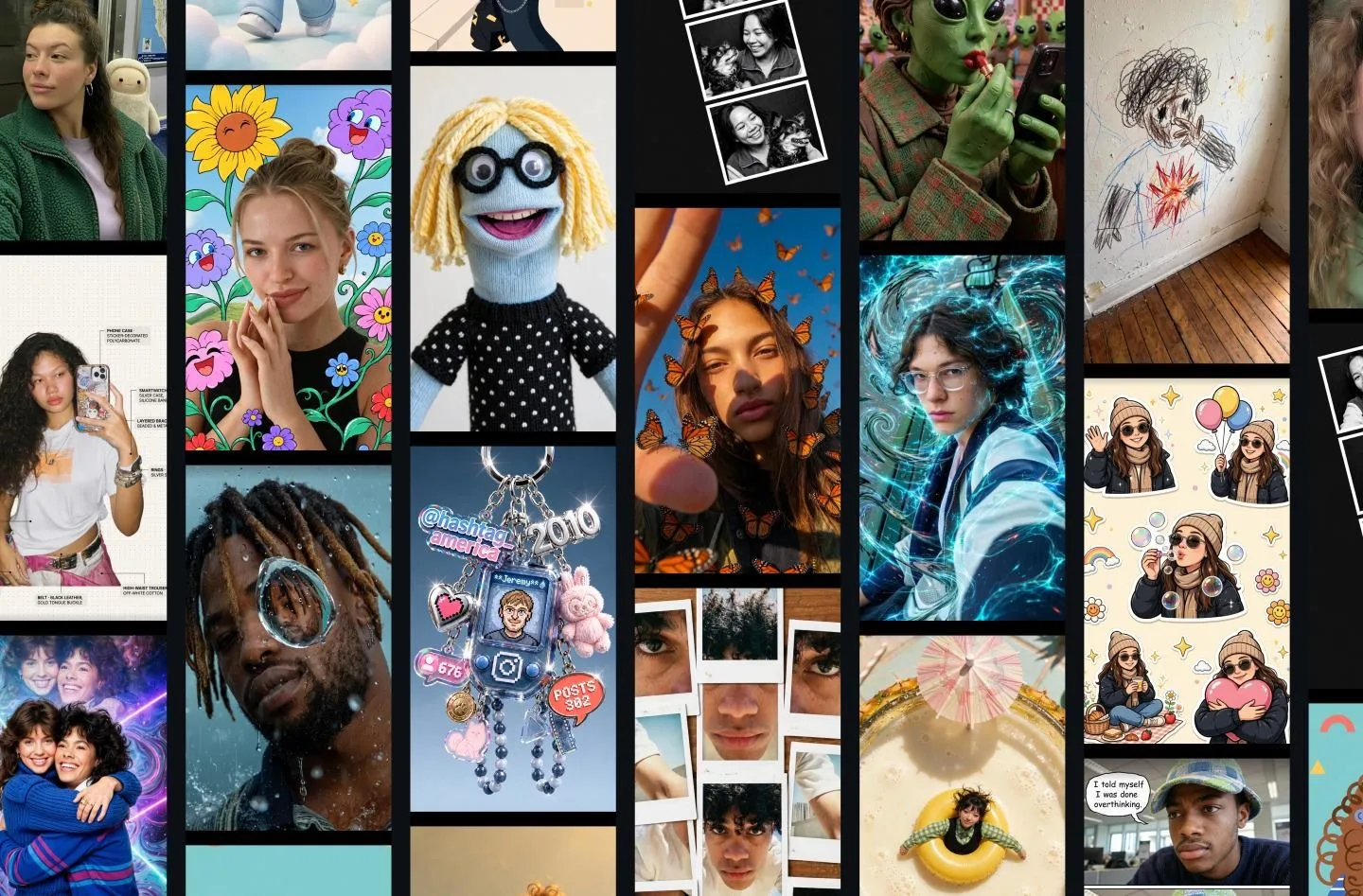
Instagram Effect Builder lets US residents over 18 create custom AI filters for Stories with a prompt box and optional style reference images.
Background: From macOS Edits to Story Filters
The launch follows the Edits app's move to macOS last week. Instagram is now turning its focus to AI-generated filter creation for Stories posts. The feature is framed as a chatbot-style workflow: users write what they want, then see an effect emerge.
Development: Prompting, Reference Images, and Previews
Users can upload their own photos to preview the AI-generating effects. They can also ask for changes through follow-up prompts. Another option lets Instagram's AI rewrite the prompt. In a test, the one-line prompt "Make a filter that turns photos into comic book pages" became several AI-generated paragraphs.
Current Access: US Residents Over 18
The Effect Builder is available now for US residents who are over 18. The age and location limit mark the feature's initial rollout. The prompt-and-reference-image flow shows Instagram's effort to make filter creation less manual.
Next Stage: Refining Prompts
The current stage is a guided, iterative editing loop: prompt, preview, revise, and repeat. AI rewriting can turn simple ideas into more detailed prompts for usable Story filters.
Comments
No comments yet. Be the first to comment.